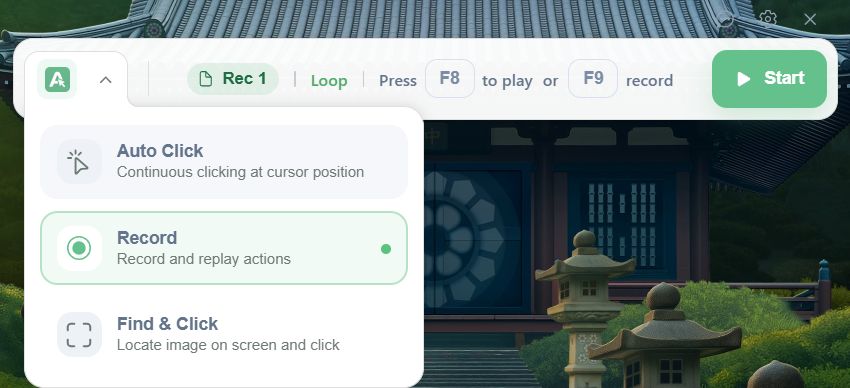
Actus Auto Clicker is a free automation utility for Windows built to simulate and repeat mouse clicks at customizable intervals. You can configure it to automate repetitive clicking tasks while conducting software testing, grinding in games, handling data entry, or accelerating any daily workflow. Just note that competitive multiplayer games will likely block this utility as an anti-cheating measure.
The application keeps its design simple but pushes beyond basic clicking to offer semi-structured task automation. You can configure precise click intervals, choose between left, right, or double clicks, and define exact screen coordinates where the inputs should occur.
Its straightforward purpose makes Actus Auto Clicker incredibly easy to set up. It remains highly accessible even if you have zero prior experience with automation software.
Click automation and advanced features
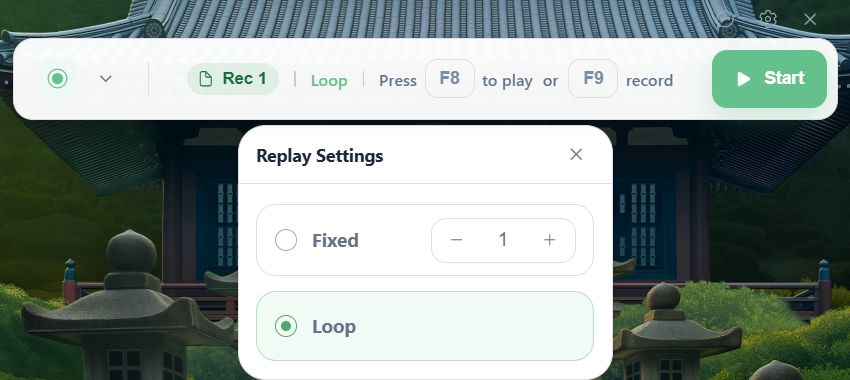
The core engine handles precision mouse automation. You can customize the clicking speed, lock inputs to a fixed screen point or let them follow your cursor, and define exactly how long the sequence should run.
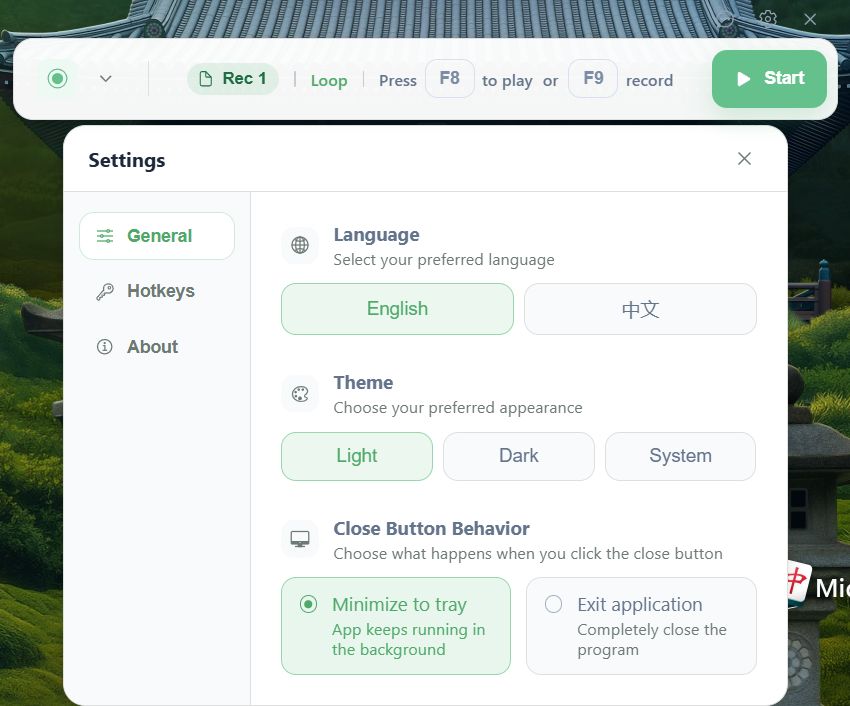
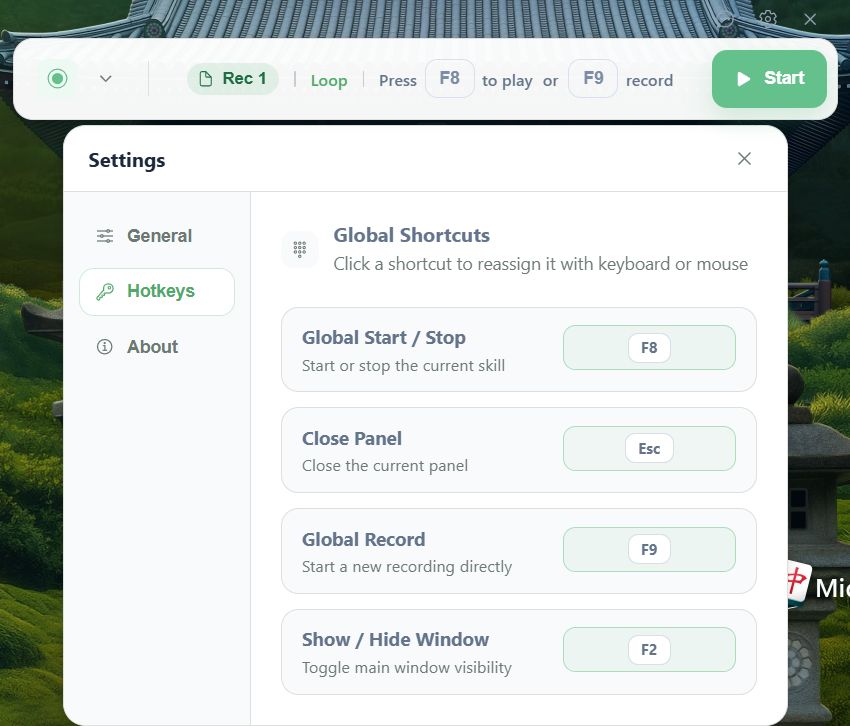
A built-in Record & Replay function captures your interaction sequences to automate repeatable workflows like tedious form filling. The software also features a Find & Click tool that uses image recognition to locate and click dynamic UI targets that shift around the screen. This proves highly practical for automated testing of interface elements and routine desktop tasks. You can also configure custom hotkey controls to manually start and stop these sequences on the fly.Ease of use
The minimal interface prioritizes quick access to essential settings. While it skips advanced code-based scripting, this simplicity remains a major advantage if you just need visual click automation without fighting a steep learning curve.
You can launch the tool and configure your first automated sequence within minutes of installation. By focusing strictly on simulating mouse input and matching visual elements, the software runs efficiently in the background without draining system resources.Pricing and availability
Actus Auto Clicker operates on a completely free licensing model, giving you full access to the core clicking and recording features out of the box. However, because developers occasionally introduce premium options or paid tiers, you should check the official website, as the final cost depends on the tier chosen or active promotions.A simple tool for repetitive clicking tasks
Actus Auto Clicker provides a straightforward solution for automating mouse inputs on Windows. Its customizable click settings and lightweight footprint make it highly useful if you need immediate automation without wrestling through a complex configuration process.
While it lacks advanced programming environments for complex scripting, it handles repetitive clicking and visual productivity automation reliably.